Peerlist Help Center home page
Search...
⌘K
Support
Login
Create Profile
Create Profile
Search...
Navigation
Bootcamp Profile
How to add courses on Bootcamp profile?
Individual
Company
Legal
Profile
Company Profile
Bootcamp Profile
Introduction
Courses
FAQs
Hiring / Jobs
Post a Job
Career Site
Bootcamp Profile
How to add courses on Bootcamp profile?
Copy page
Learn how to add courses on Bootcamp profile.
Copy page
1
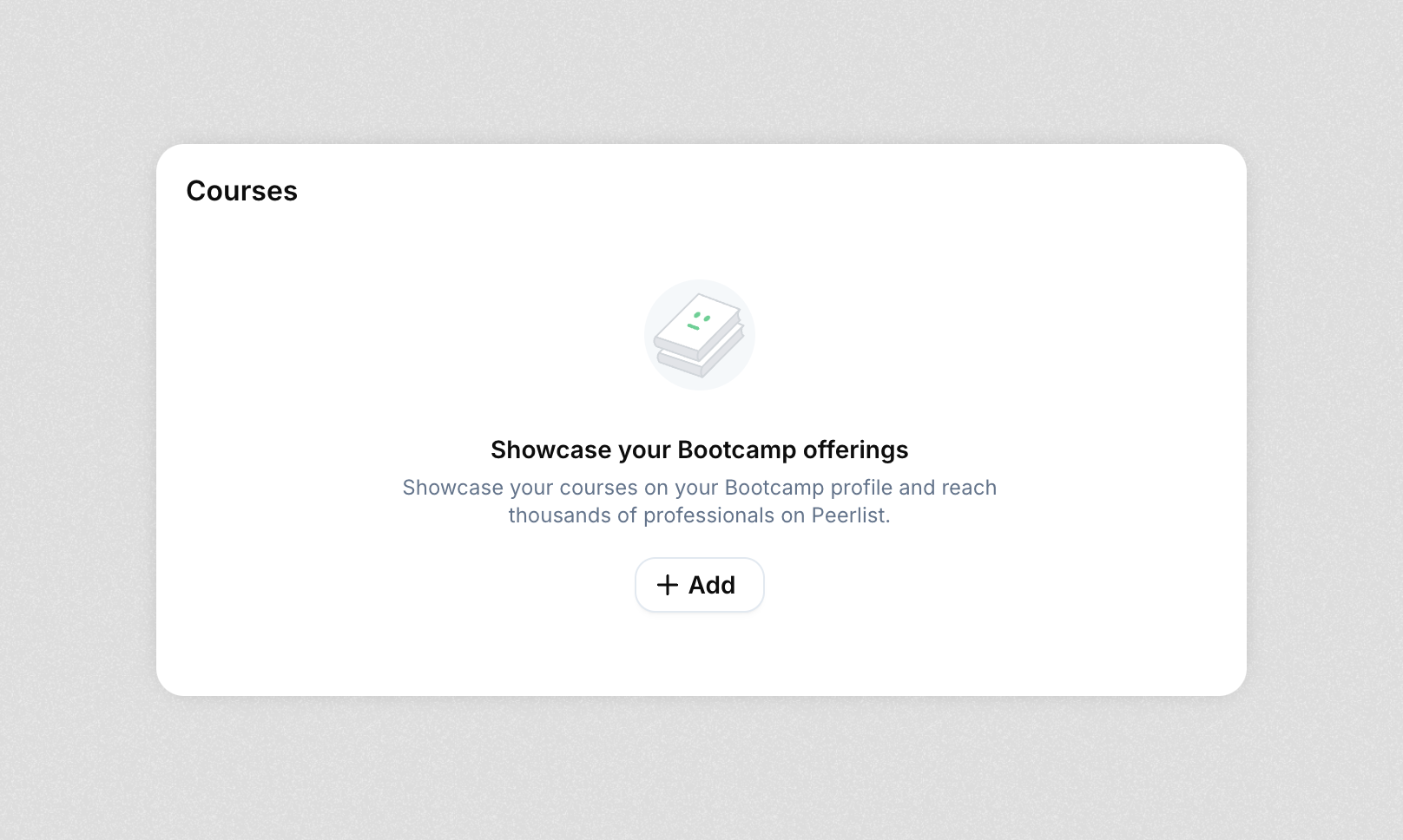
Scroll down on your Bootcamp profile, till you find the “Courses” section. Click
+Add
.
2
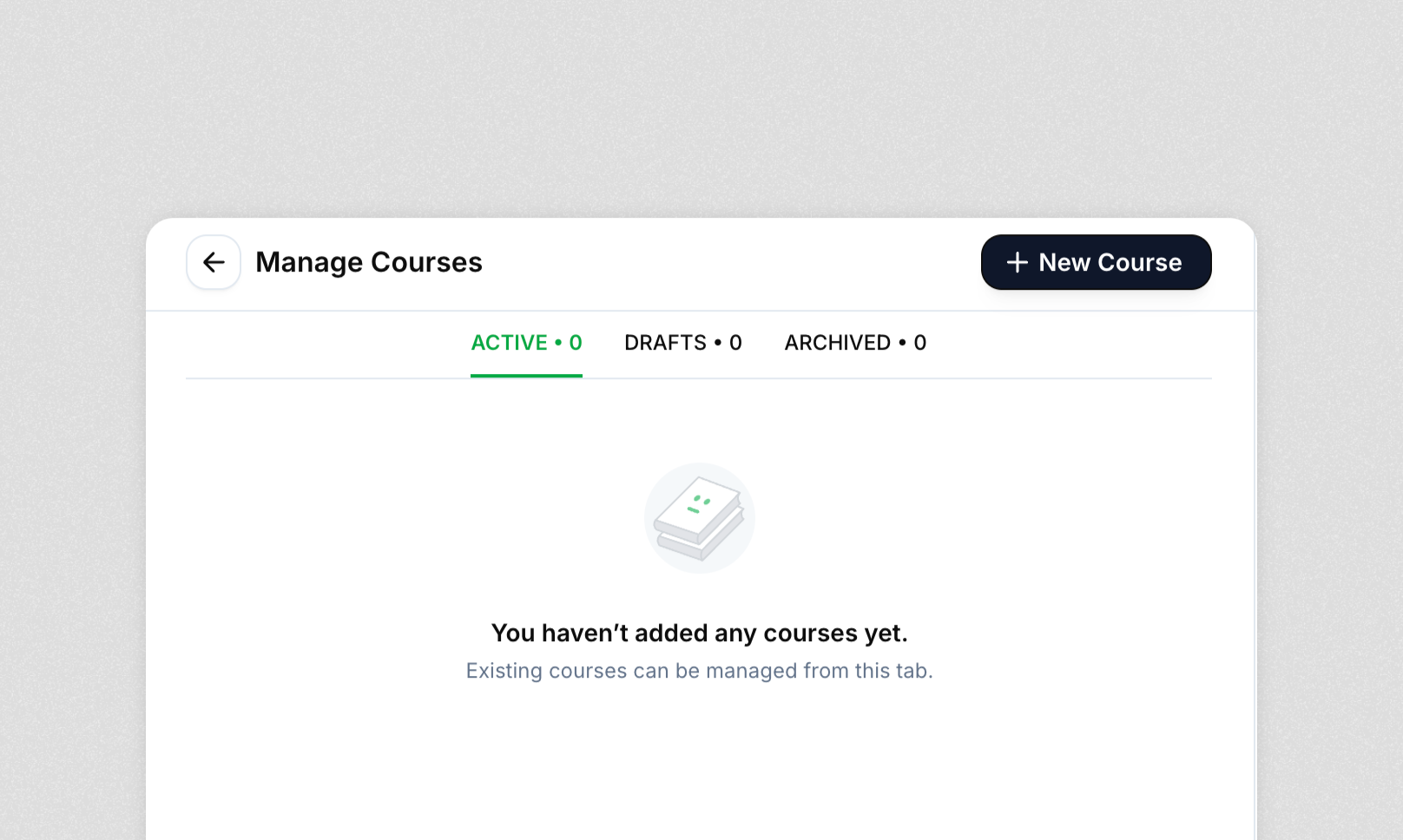
You will be navigated to the Manage Courses page. Click
+ New Course
.
3
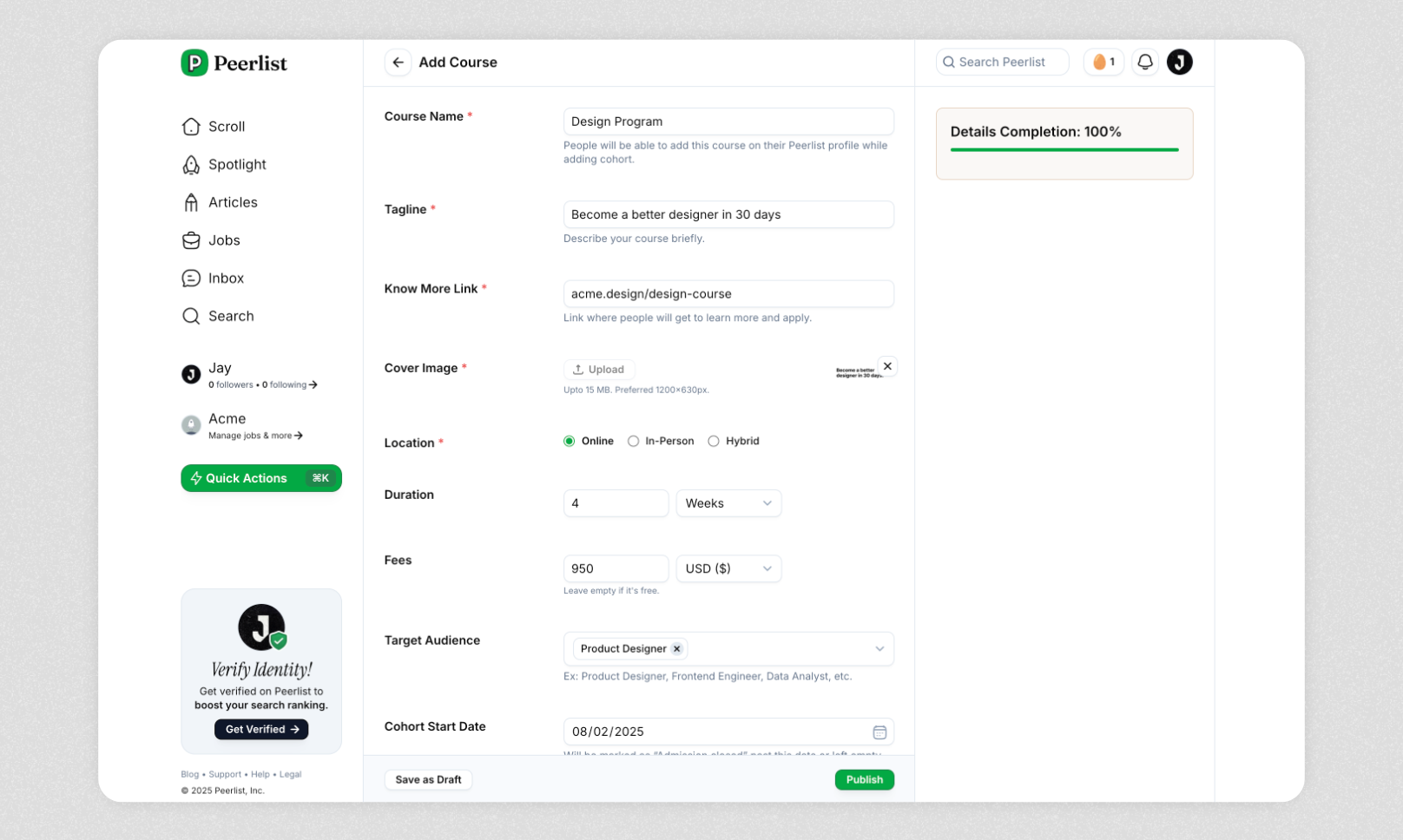
Add details for your course and
Publish
. Aim for 100% completion.
4
A new course will be added to the courses section on your Bootcamp profile.
Introduction
FAQs